hugo的简单使用
安装
安装选择官方推荐的巧克力(Chocolatey)
Chocolatey安装
1Set-ExecutionPolicy Bypass -Scope Process -Force; [System.Net.ServicePointManager]::SecurityProtocol = [System.Net.ServicePointManager]::SecurityProtocol -bor 3072; iex ((New-Object System.Net.WebClient).DownloadString('https://community.chocolatey.org/install.ps1'))
PS: 前置条件:运行Get-ExecutionPolicy。如果返回Restricted,则运行Set-ExecutionPolicy AllSigned或Set-ExecutionPolicy Bypass -Scope Process。
安装GOLANG
使用choco install golang -y
安装hugo扩展
使用choco install hugo-extended
安装hugo
- 设置go的代理
go env -w GOPROXY=https://goproxy.cn,direct - 安装hugo源码
go env -w GOPROXY=https://goproxy.cn,direct
命令行环境
二者选一
powershell
这个powershell和你本机的可能不一样,如何测试?
1echo 123 >> 123.txt
2cat 123.txt
应该能看到在命令能看到读取到的123 否则就点击Fetching Title#lyss 进行安装
git bash
git bash的安装资料很多了,这里就不列出了
建立站点
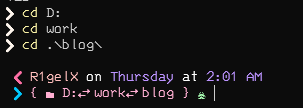
在博客的文件夹(最好自己找个地方建立一下)在这个目录打开命令行
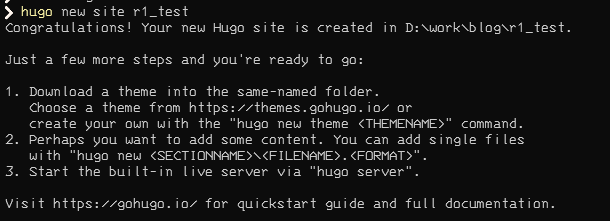
建立一个example
1hugo new site quickstart #这是网站名称,会在当前目录建立一个同名文件夹
2cd quickstart
3git init
4git submodule add https://github.com/theNewDynamic/gohugo-theme-ananke themes/ananke#这是从github获取主题
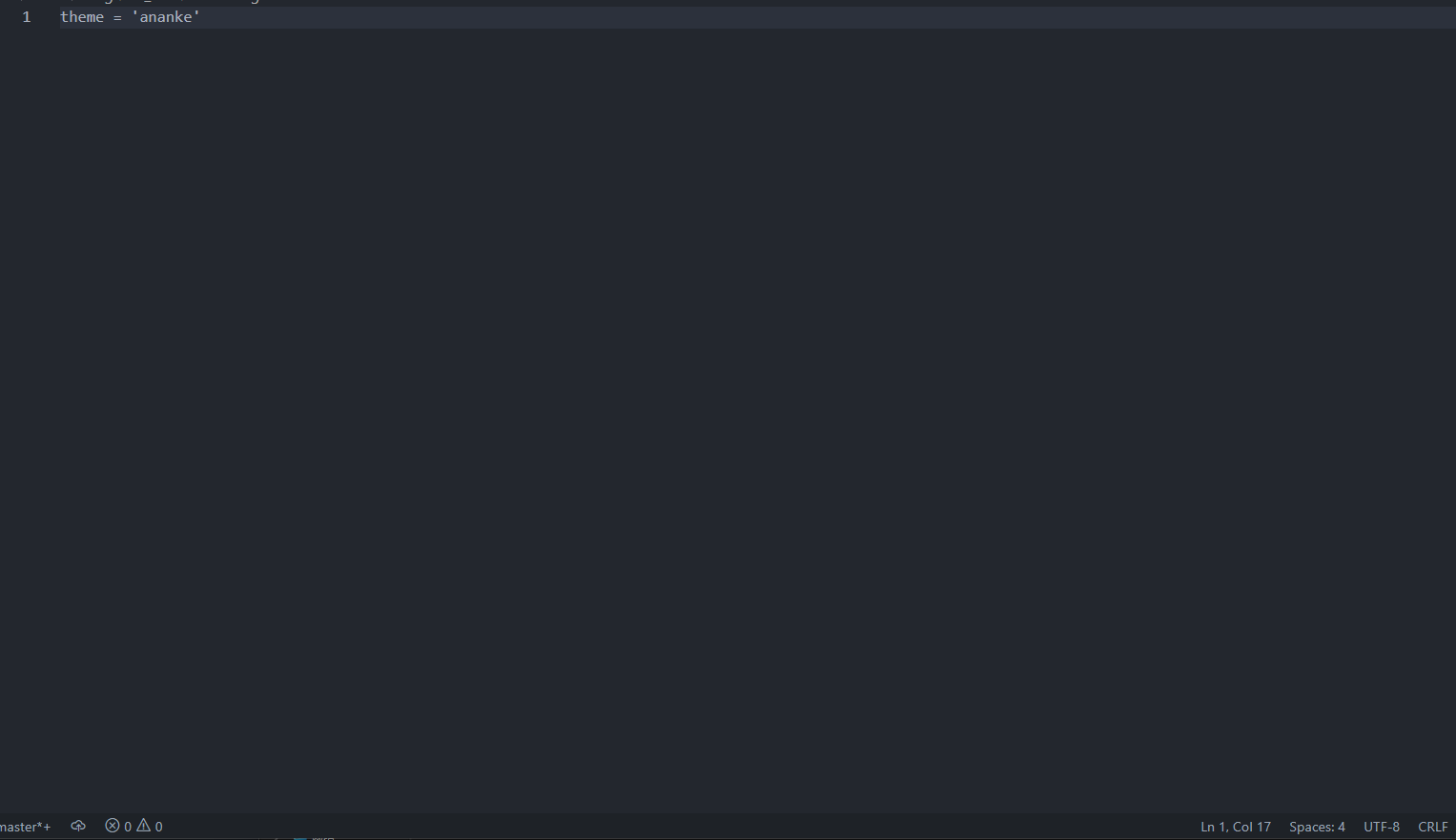
5echo "theme = 'ananke'" >> config.toml#设置配置文件,指定主题为ananke,但如果你的powershell出现问题,那就手动去修改这个
6hugo server

如果遇到编码问题导致hugo server运行失败,那就用vs code打开然后保存为UTF-8,之后的配置修改就在vs code里改就好了。
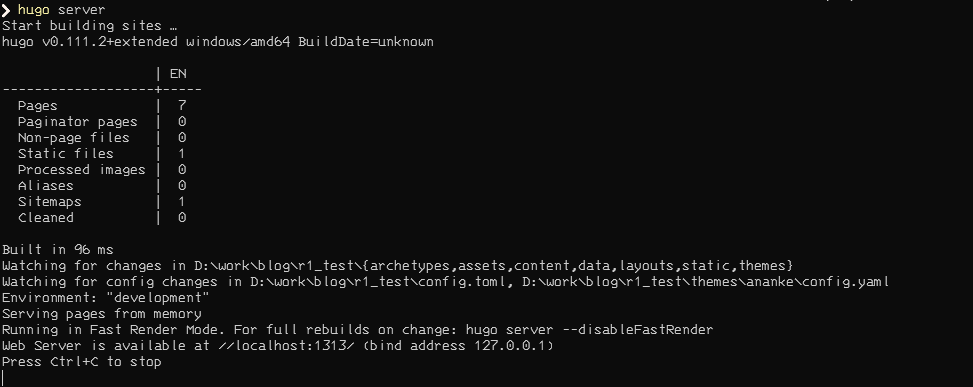
运行成功应该如下
访问localhost:1313应该得到了如下的界面

添加一个页面
使用命令hugo new post/xxx.md
这里我建立一个markdown

接着我们再次打开服务,使用hugo server -D
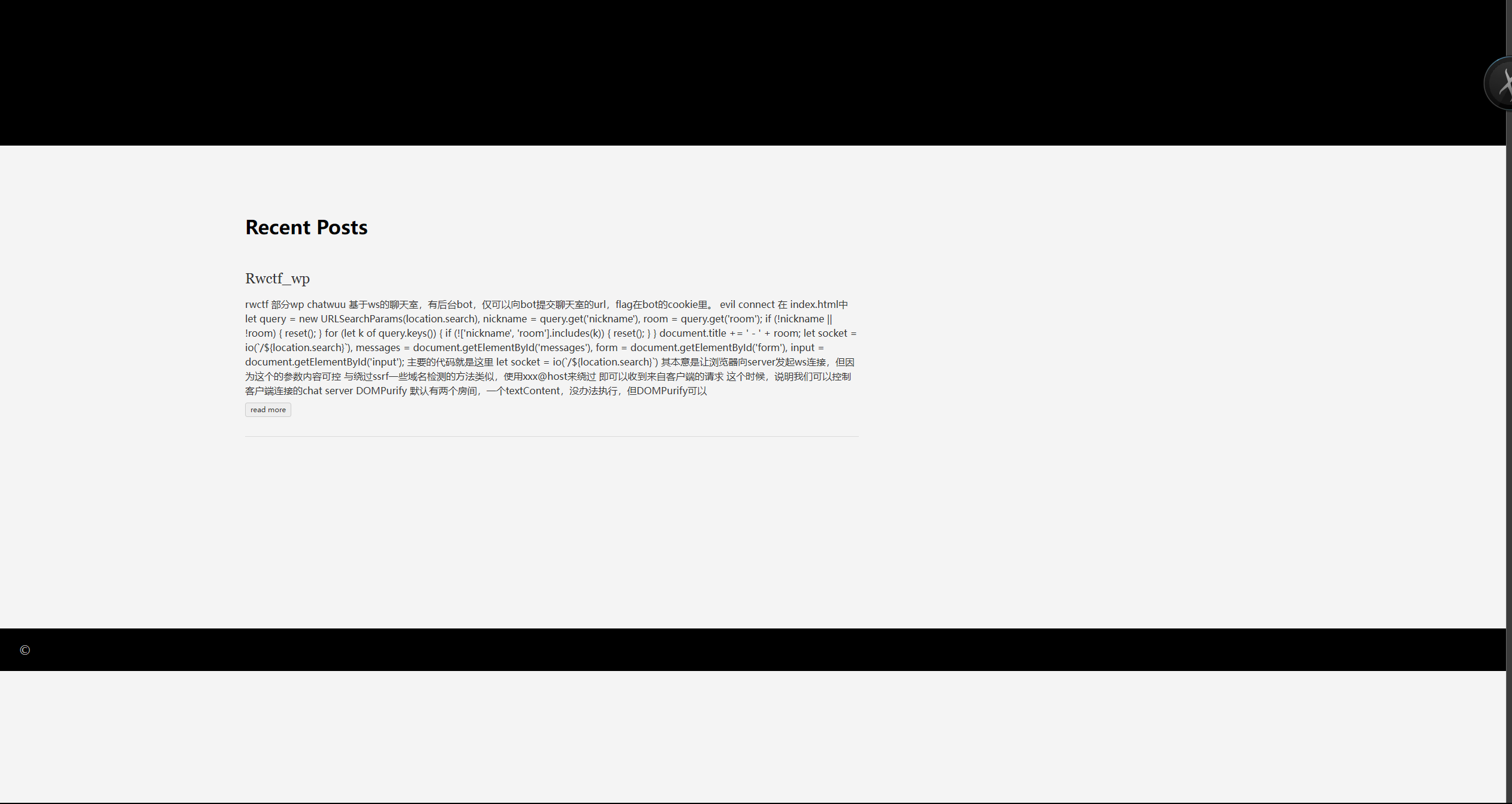
切换主题
随便找了个主题
然后切换到theme目录cd theme
安装主题
git submodule add https://github.com/razonyang/hugo-theme-bootstrap themes/hugo-theme-bootstrap
该主题需要一个临时文件夹
git clone https://github.com/razonyang/hugo-theme-bootstrap-skeleton tmp/hbs-skeleton
然后拷贝文件到相应目录
cp -a tmp/hbs-skeleton/config/* ./config
cp -r tmp/hbs-skeleton/content/* ./content
cp -r tmp/hbs-skeleton/archetypes/* ./archetypes
cp -r tmp/hbs-skeleton/static/* ./static
cp -r tmp/hbs-skeleton/* ./assets
然后执行hugo mod npm pack
修改config.toml里的theme参数
然后安装npm choco install nodejs.install
安装后执行npm install
再次启动服务器
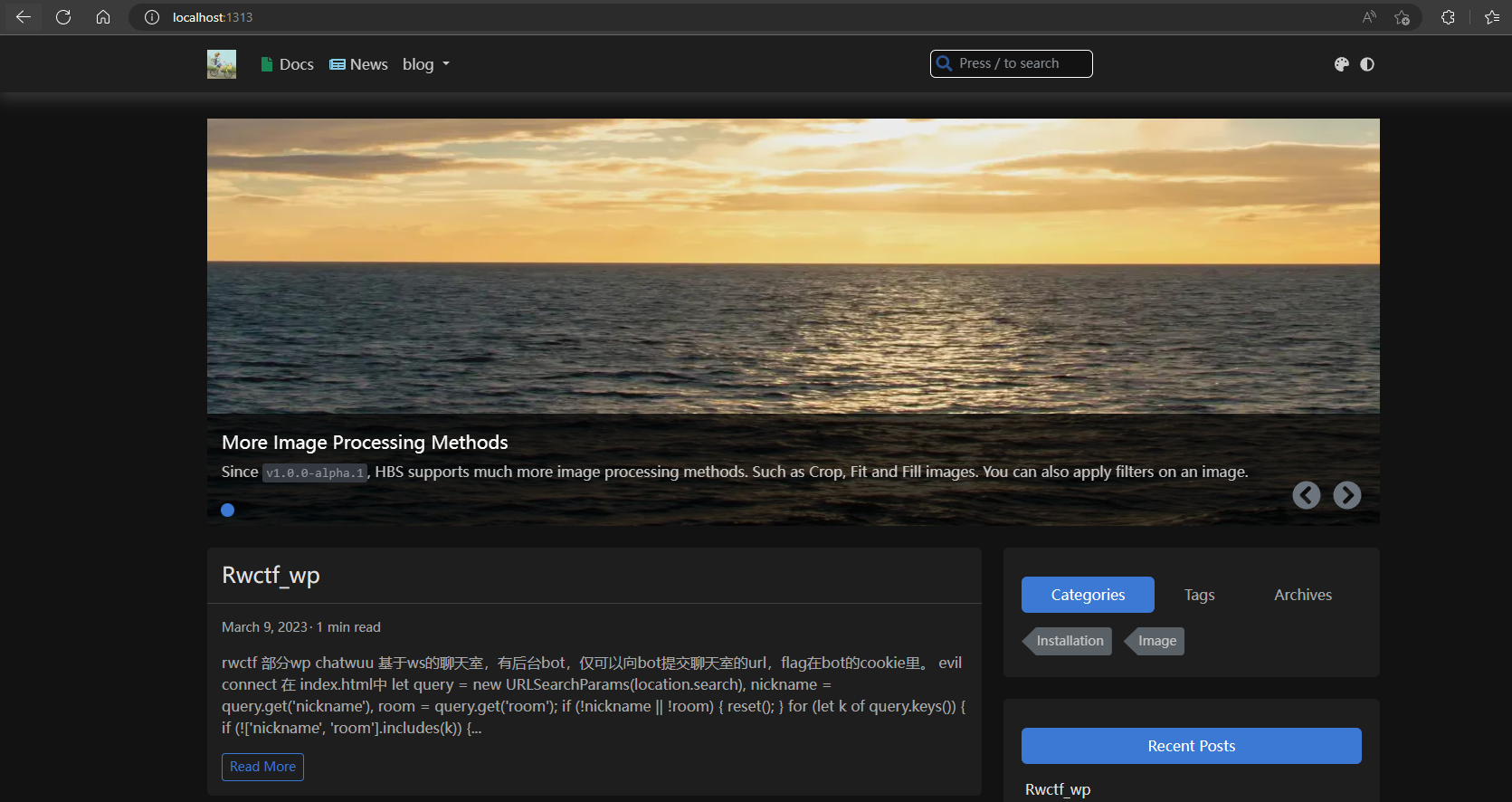
接着就是修改相关配置,这个主题的文档很齐全小部件 - Hugo Bootstrap
发布
生成静态文件
hugo -d docs
然后参照如何使用Hugo在GitHub Pages上搭建免费个人网站 - 知乎就行
创建Github-pages
以这里注册的新github为例子,创建名为githubid.github.io的仓库 即 eg1o.github.io 然后到docs目录下
1git init
2git remote add origin https://github.com/Nianze/personal-site.git
3git add .
4git commit -m "first commit"
5git fetch origin # 拉取 github 项目
6git push --set-upstream origin master
Comments